


Short answer: Meta ad scheduling lets you run ads only during chosen hours, and the schedule option is generally available when the ad set uses a lifetime budget. If you are using an ad set budget, turn off “Share up to 20% of your budget with other ad sets” while troubleshooting scheduling. The exact controls can vary by campaign setup and Ads Manager updates.
What ad scheduling means
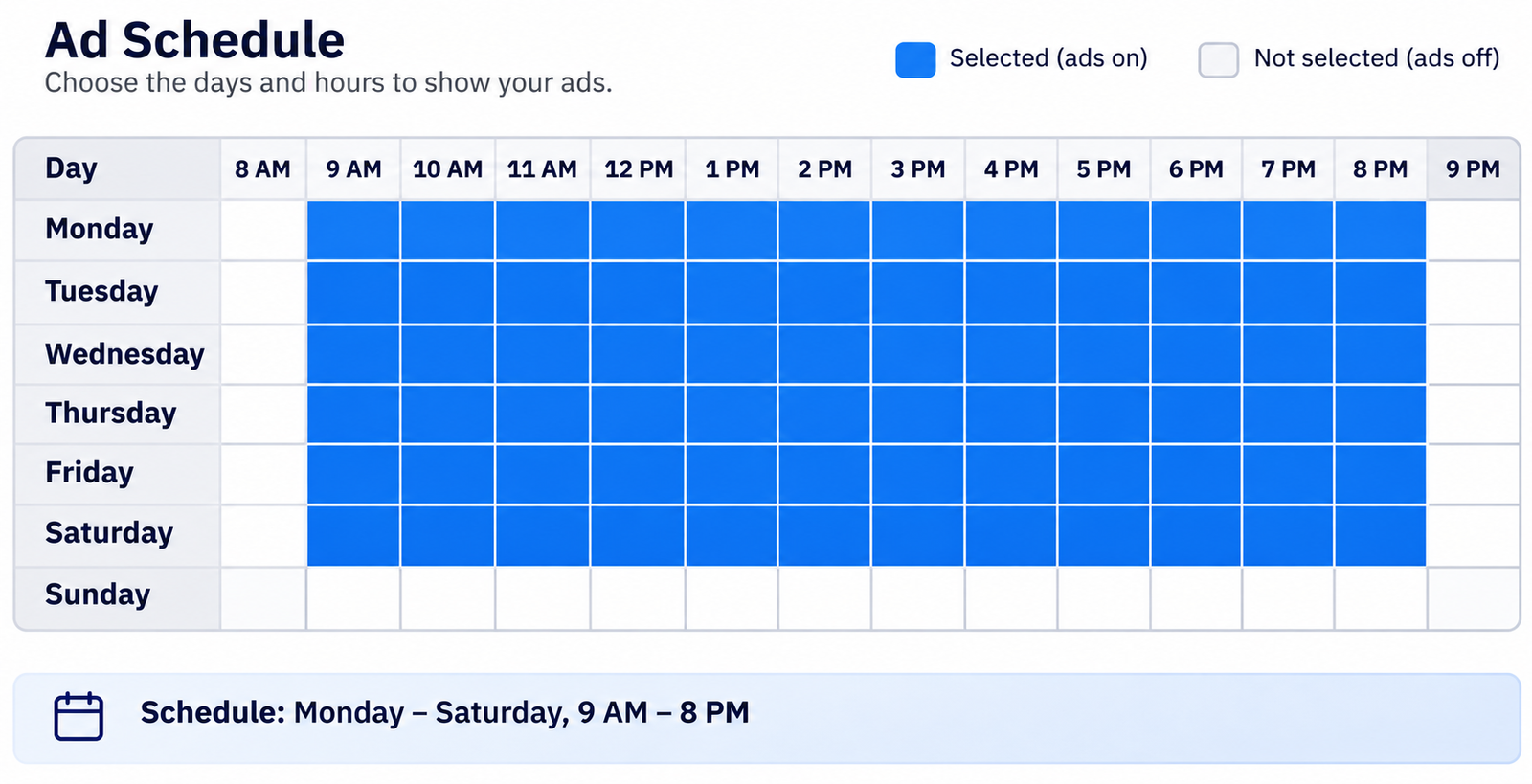
Ad scheduling lets you show your ads only during chosen hours and days. For example, a clinic may want ads to run from 9 AM to 8 PM, Monday to Saturday.
In Meta’s setup, scheduling is configured at the ad set level. The Meta Marketing API reference describes an ad set as sharing a budget, schedule, bidding and targeting settings across its ads. For hour-by-hour ad scheduling, Meta’s setup has traditionally required a lifetime budget.
Why the schedule option is missing or not working
Check these settings in order.
1. The ad set is on a daily budget
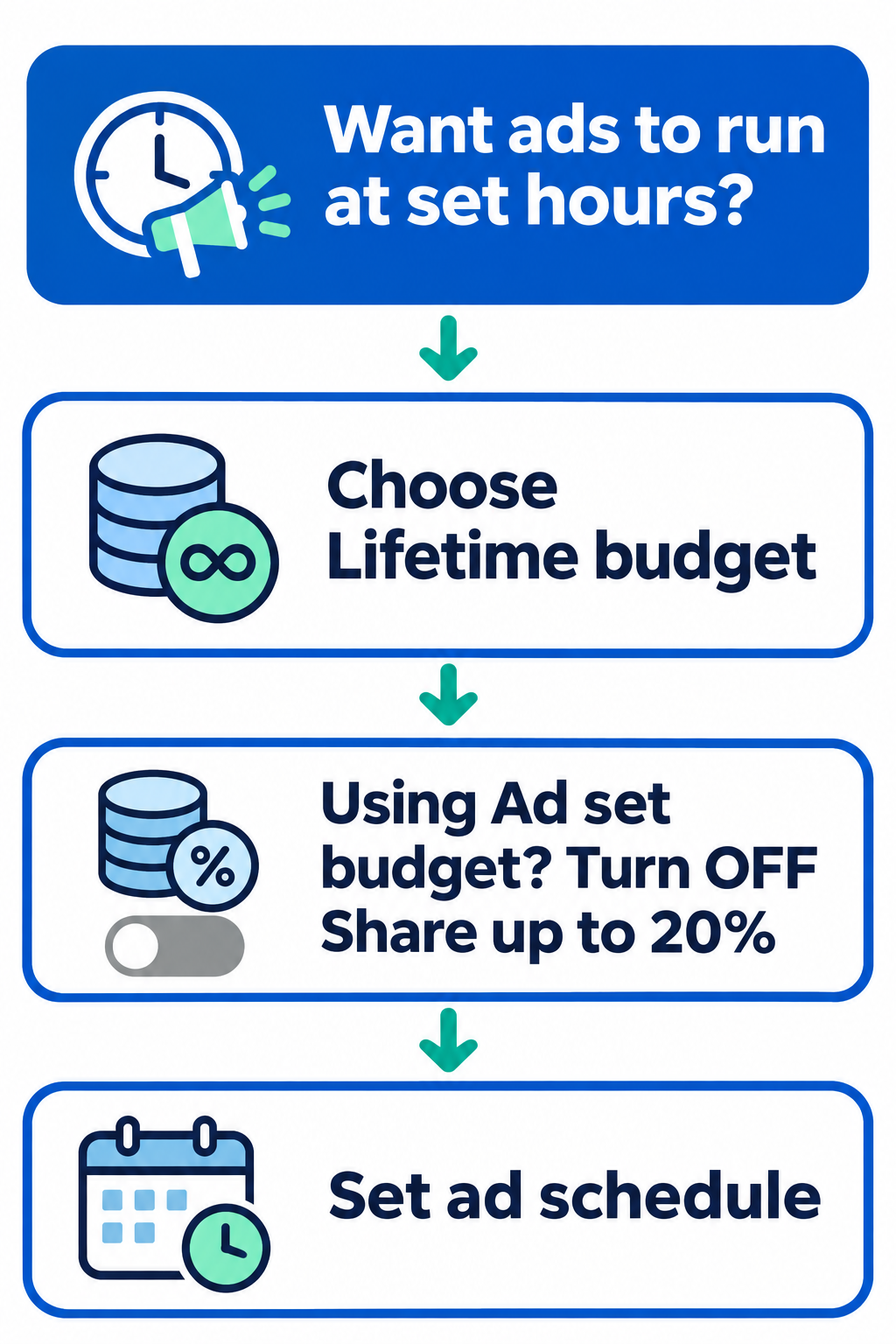
This is the first thing to check. A daily budget is set as an average amount to spend per day. A lifetime budget is set for the full run of the ad set. If Ads Manager does not offer the ad scheduling option, switch to a lifetime budget and check the schedule controls again.
Fix: Change the budget type to Lifetime budget, then look for the ad scheduling option.
2. Budget sharing is enabled on the ad set
When you choose Ad set budget, Ads Manager may show a checkbox to share up to 20% of the budget with other ad sets. Meta describes this as sharing part of an ad set’s daily budget across ad sets. If you want predictable hour-by-hour control with a lifetime budget, keep budget sharing off while you set up the schedule.
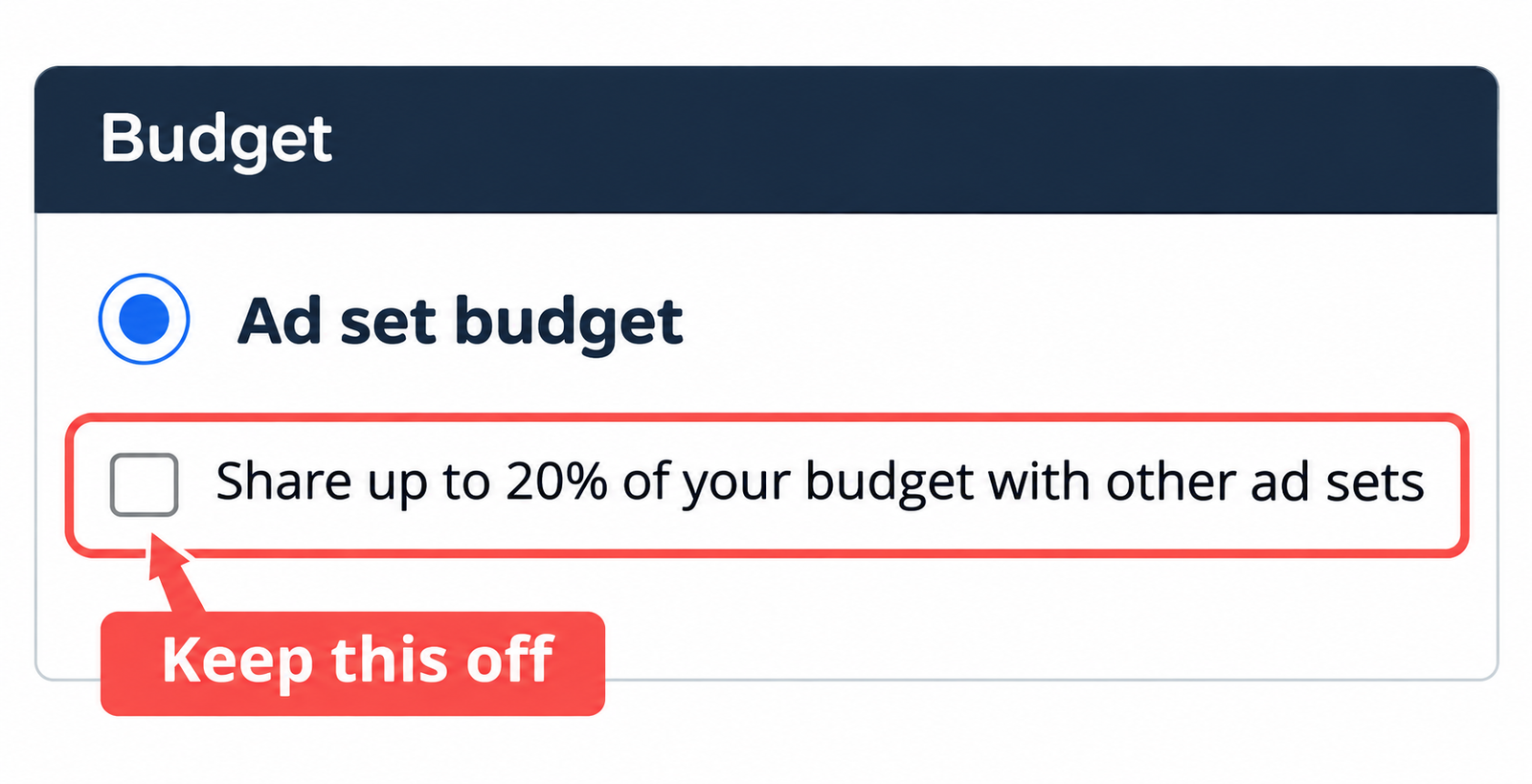
Fix: Open the ad set’s Budget section. If you are using Ad set budget and the sharing checkbox is shown, turn it off. Then select a lifetime budget and set your schedule.
Meta’s ad set budget sharing guide explains how this option shares daily budget across ad sets. Because Ads Manager can change and account eligibility varies, check the options shown in your own campaign before making a structural change.
3. Campaign budget or ad set budget?
A lifetime budget can be set at the campaign or ad set level, depending on the campaign setup. The budget level determines how spend is managed, while the schedule is set for the ad set.
| Budget level | How it works | Budget sharing checkbox |
|---|---|---|
| Campaign budget | One budget is distributed across ad sets in the campaign | Not shown as an ad set budget option |
| Ad set budget | Each ad set has its own budget | May be shown; turn it off while troubleshooting hour-based scheduling |
Choose the level that matches how you want your money split. The ad schedule itself is still configured per ad set.
4. You are editing an older, running campaign
Budget sharing and other budget controls can have limits on campaigns that are already running. The option may apply only to new or duplicated campaigns, or it may be possible to switch it off but not on during a run.
Fix: If an older ad set will not show the schedule controls, try creating a new ad set with a lifetime budget and setting the schedule there. Review the campaign settings before publishing.
5. The time zone is not what you expect
Your 9 AM may not be your audience’s 9 AM. A schedule can follow the viewer’s time zone or the ad account’s time zone, depending on the setup. This matters when your audience is in a different time zone from your ad account.
Fix: Check which time zone the schedule uses, then set the hours to match it.
6. The hours are not in an accepted format
Ad schedule windows follow limits. Start and end times must fall on the hour, and each window must be at least one hour long. For Reach and Frequency campaigns, each window must be at least four hours. A window such as 9:30 AM to 10:15 AM will not work.
Fix: Use full-hour windows. For Reach and Frequency, use blocks of four hours or more.
Quick checklist
- Is the budget type set to Lifetime budget?
- If you use Ad set budget, is “Share up to 20% of your budget with other ad sets” turned off while troubleshooting?
- Is the schedule using the time zone you expect?
- Do all time windows start and end on the hour and last at least one hour?
- Is this an older running campaign? If so, try a new ad set.
What to remember
- Hour-based ad scheduling is generally tied to a lifetime budget in Ads Manager.
- Meta describes ad set budget sharing as a way to share daily budget across ad sets. Turn it off while troubleshooting a lifetime-budget schedule.
- A schedule changes when ads can run; it does not guarantee more leads or sales.
- Check the campaign’s own controls because availability can vary by setup and interface updates.
The takeaway
If the ad schedule does not show up, check the budget type first. Then review the ad set budget-sharing setting, time zone and hour windows. A lifetime budget and a clean ad set configuration are the best starting point for troubleshooting.